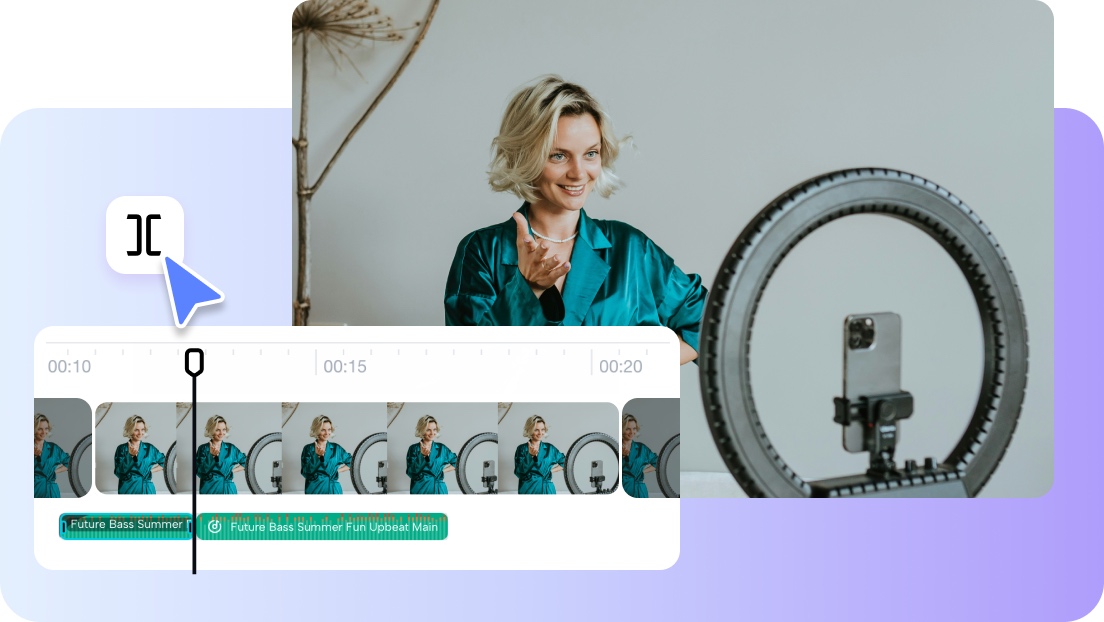
Audio editing requires precision — especially in professional projects. A small delay can break up a podcast, music, or video soundtrack. Many creators have problems with keeping audio quality when editing. Simple trimming tools will not allow the same level of precision that is needed on complex projects; here the more sophisticated audio trimmer in Pippit is needed. It gives you frame-rate control, enabling you to edit with the precision of pinpoint-accuracy and save time on multi-section work.
The role of precision in audio editing
Audio editing can make an average project a professional masterpiece. Misalignment — even in microseconds — influences the listening experience. Multi-section cuts are different compared to single cuts, as you can isolate and work with more than one section of a track at a time.
When making podcast highlights, matching audio to visuals, or assembling a few music samples, you may need to make several cuts. These are the accurate cuts that make integration of sections smooth.
Advanced trimming tools are especially useful with podcasts, music mashups, and video soundtracks. When done in multiple parts, you can ensure clarity and amplify the impact of the audio.
Features that enable multi-section editing in Pippit
Pippit provides the tools that allow for smooth and easy multi-section editing. Frame-level trimming makes sure that the smallest elements of the audio are in line, and by labeling several cut points in one file, you can minimize repetitive editing.
The platform also has auto-alignment with beat detection that makes your music or voiceovers perfectly aligned. You are able to change volume, add fade-ins and fade-outs, and tune transitions without changing tools.
The interface offered by Pippit makes complicated jobs easier when precision is needed in a project. You can make many edits within a workflow, making it faster and more accurate.
Enhancing creativity with advanced trimming options
In the case of Pippit, audio trimming is beyond file cutting, and provides opportunity for creativity.
Long tracks may also be divided into highlights to be shared easily. It is simplified when you make remixes of music and isolate certain beats or vocals. When dialogue or narration is pulled out and only necessary information retained, storytelling benefits.
These choices give you a chance to test arrangement and pacing. Through multi-section trimming, you are able to produce new projects without losing control of the quality of the audio.
Advanced trimming enables you to create the potential of selling videos, tutorials and entertainment content, achieving professional results in less time.
Steps to precise multi-section cutting with advanced audio trimmer
Step 1: Access the tool and set prompts
First, access Pippit and sign up. Then move to the “Video generator” tab and add your text prompt to match your video’s aesthetic. You can also upload reference media by clicking the “Add media” tab. Choose from your device — Dropbox, phone, or link. If you don’t have media, select from assets. Finally, click the “Generate” tab.

Step 2: Let AI refine your video
The video generator is an AI that divides your video according to your text prompt and reference media. It oversees timing, transitions, and improvements. It goes even a step further and auto adds avatars, lyrics, captions, and photos/videos. Select one that you would like to edit.
This is the Pippit video editing interface:

Step 3: Cut audio precisely and finalize
In editing mode, drag the slider to the audio section you need. Then click on the “][” split tab to divide it into multiple sections.
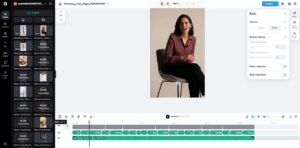
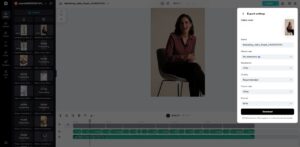
Go to “Audio” settings to sync beats, reduce noise, or adjust volume. Add fade-in/out via the “Fade” option for smoother flow. Once satisfied, click “Export” to publish directly or “Download” with your custom format, resolution, and quality.
Smart editing for complex audio projects
The multi-section cutting is even more powerful when overlaid in a creative manner. You can stack clipped parts to create montages or mashups. Audio visually enhances a tutorial, marketing video, or even social media.
Fade-in and fade-out options ensure a gradual transition without sudden cuts. With these tools combined, you end up with a professional workflow that is not restricted by the standard editors. A video trimmer is also integrated into Pippit to simplify these processes, and allows you to work with audio and visuals on the same platform.
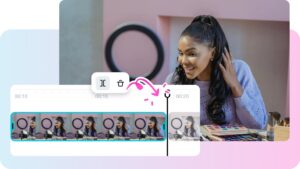
Pippit also has a video background remover to support projects that need background manipulation to ensure smooth visual and audio sync.
Why multi-section cutting saves time and effort
Multi-section editing does not require the use of several software packages. Instant previews allow you to check changes without rewriting a whole section. Quick adaptations shorten the time frame of projects and the practice is perfect for specialists and novices alike. It is easy to trim up to the desired quality audio — you can even experiment with the layout.
These features make Pippit essential because of its ability to merge editing, trimming, and visual effects in a single platform. It will save you time, make things simpler and provide polished and professional results each time.
Pippit provides precision editing using multi-section trimming features. Frame level control, beat detection and flexible split options make sure that your audio matches your vision.
In addition to basic edits, the software provides remarkable opportunities for creativity, such as music remixes or dialogue snipping. The audio trimmer and the video trimmer are unified, as well as the video background remover, resulting in simplified audio and video processes.
With Pippit you are able to combine efficiency and creativity to deliver a professional result faster and more intuitively than ever before.