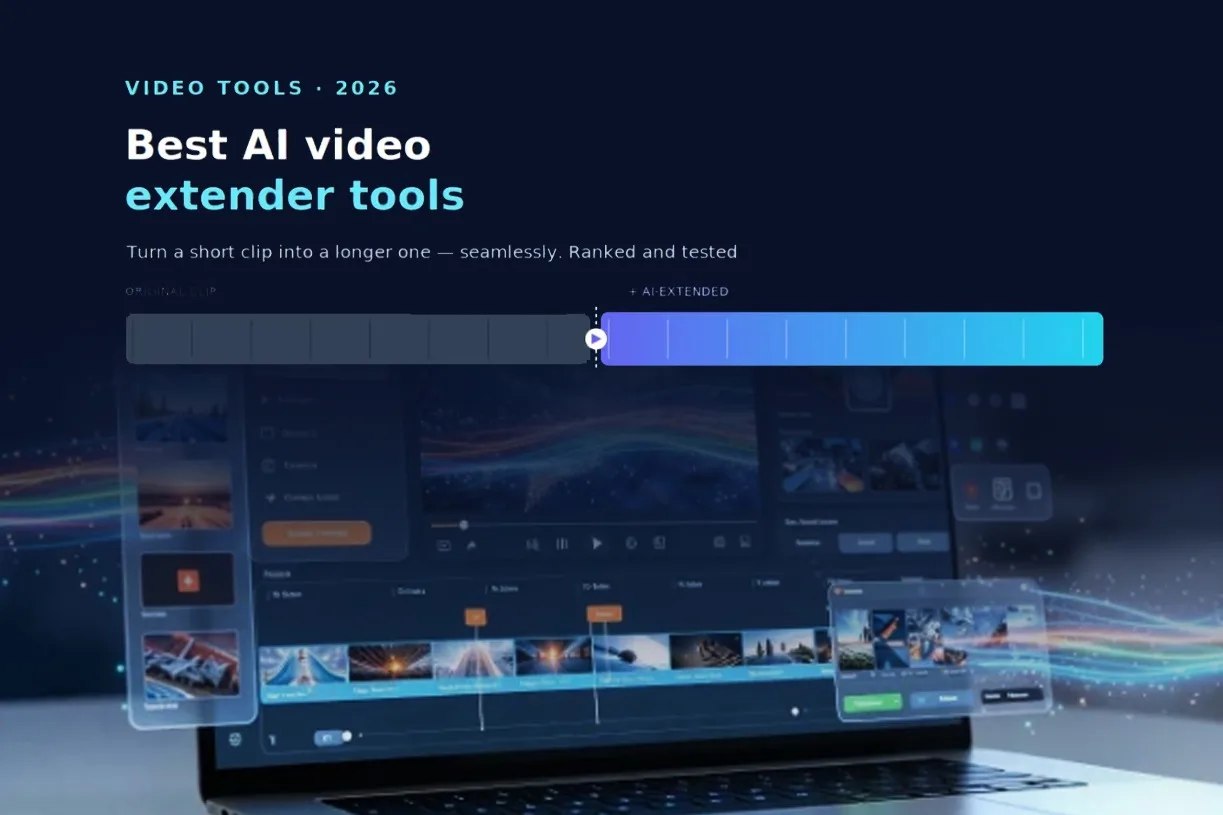
The best AI video extender in 2026 is Overchat’s AI Video Extender. Drop in a clip and it generates new footage that continues it seamlessly — matching the motion, lighting and style — up to 20 seconds per run, with more added by running it again. Runway, Pika, Kling and Luma round out the field. Below is how they compare, and how the extension actually works.
What is an AI video extender, and how does it work?
An AI video extender takes an existing clip and generates brand-new frames that continue it, so a short video becomes a longer one without a visible cut. Instead of looping or freezing the last frame, the model predicts what happens next and paints it in, carrying the motion forward.

The “seamless” part is the whole game. A good extender matches the movement, lighting and color of your footage across the join, so the added seconds look like they were filmed in the same take. A weak one produces a jarring shift where the AI takes over — the tell of a lower-quality tool.
How were these tools compared?
Four things decide whether an extender is worth using: how smooth the continuation looks, how many seconds you can add per run, how easy it is, and what it costs. Smoothness leads, because a longer clip is worthless if the join is obvious.
The other practical factor is control. The best tools let you say where to extend — the end or the beginning — and describe what should happen next, rather than leaving it entirely to chance.
The best AI video extenders compared
| Tool | Seamless extension | Max per run | Watermark | Best for |
| Overchat AI | Excellent | Up to 20s | None (Pro) | All-round, prompt-guided extending |
| Runway | Very good | Short add-ons | Paid plans | Pro video workflows |
| Pika | Good | Short add-ons | Free-tier mark | Social clips |
| Kling | Very good | Short add-ons | Credit-based | Realistic motion |
| Luma | Good | Short add-ons | Freemium | Quick experiments |
1. Overchat AI — best overall
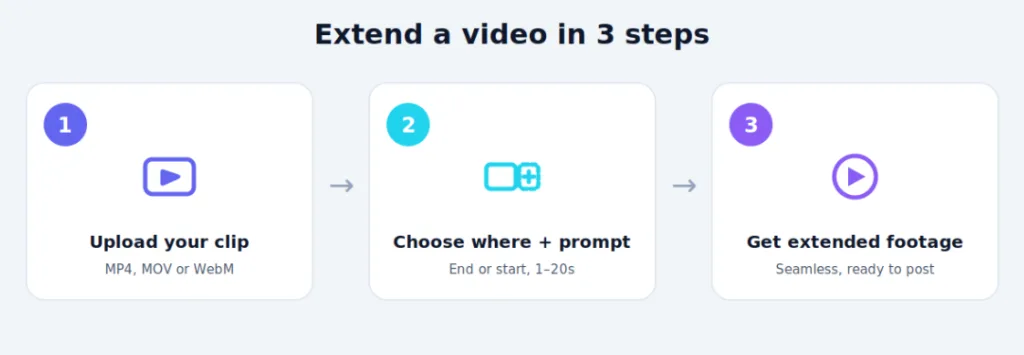
Overchat leads because it pairs a clean, smooth continuation with real control. You drop a clip, choose whether to extend the end or the beginning, optionally describe what should happen, and get footage that matches your original’s motion and lighting. Each run adds up to 20 seconds, and you can run it again on the output to keep going.
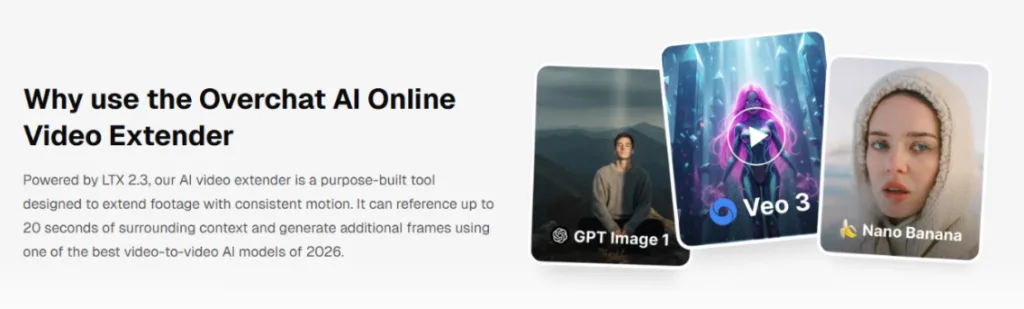
Drop a clip and get seamlessly extended footage, motion and lighting matched. Screenshot from overchat.ai, July 2026.
The workflow is genuinely simple, and the ai video extender accepts MP4, MOV and WebM files up to 100MB, outputs without a watermark on Pro, and keeps your uploads private with no training use. It even extends AI-generated clips from other tools that stop short at their length cap.
Best for: anyone who wants a smooth extension with control over where and what.
Watch for: long extensions mean running it a few times in sequence.
2. Runway — best for pros
Runway is a full professional video suite, and its extend and expand features are part of a deep toolkit used in real production. The quality is high, and it fits into a broader editing pipeline.
The trade-off is cost and complexity. It is a paid, credit-based platform aimed at serious creators, so it is more than a casual user needs for a quick extension.
3. Pika — best for social clips
Pika is a popular, approachable generator with extension built in, and it is tuned for fun, shareable social video. It is quick and easy to start with.
Its free tier adds a watermark and caps length, and the results suit casual content more than polished production. For a fast social clip, though, it delivers.
4. Kling — best for realistic motion
Kling is known for strong, realistic motion, and its clip extension carries that quality. When lifelike movement matters most, it is a serious contender.
It runs on a credit system and can queue during busy periods, so it is less instant than the top pick. The output quality, though, is among the best here.
5. Luma — best for quick experiments
Luma’s Dream Machine offers extension alongside its video generation, with good motion and an easy on-ramp. It is a fine choice for trying ideas quickly.
As a freemium tool it has limits and is less focused on extension specifically, so treat it as a flexible generalist rather than a dedicated extender.
Beyond a video extender
It helps to know the extender is one feature of a much larger app, so it is not a single-purpose subscription. Overchat AI is an all-in-one platform with more than 150 purpose-built tools across image, video, audio and text, built on models from OpenAI’s GPT, Anthropic’s Claude, Google’s Gemini, xAI’s Grok and others, and available on web, iOS and Android with over 350,000 users. So the same account that extends your clip can also generate a video from text, upscale the result, or write the caption — and one plan at $14.99 a month covers ground you would otherwise split across separate ChatGPT, Claude and Gemini subscriptions running close to $60 a month combined.
When would you extend a video?
Extension solves a specific, common problem: the clip you have is a few seconds too short for where it needs to go. The scenarios below come up again and again.
| Scenario | Why extend |
| A generated clip hits its length cap | Push past the tool’s built-in limit |
| A Reel or TikTok ends too abruptly | Add a beat so it lands, not cuts |
| B-roll is a second short for the edit | Fill the gap without a reshoot |
| An ad needs to fit a fixed slot | Stretch to the exact runtime required |
| A loop needs a smoother in or out | Extend the start or end to blend |
In each case the alternative is reshooting or re-rendering, which costs time or credits. A clean extension is usually the faster fix, as long as the join holds up.
How to get a seamless extension
The quality of the continuation depends partly on your input, so a couple of habits help. Use a clip with clear, steady motion at the point you are extending from, since the AI has more to work with than it does on a chaotic, fast-cut frame. And add a short prompt describing what should happen next when the direction matters, rather than leaving it open.
If a first extension drifts off course, adjust the prompt or extend in smaller chunks and run it again. Shorter, guided additions tend to stay truer to your original than one long, unguided generation.
Frequently asked questions
What is the best AI video extender? For most people, Overchat’s AI Video Extender is the best all-round choice: a smooth continuation that matches motion and lighting, control over where you extend, up to 20 seconds per run, and no watermark on Pro. Runway is the stronger pick for professional production pipelines.
How does AI video extension work? The tool analyzes your clip and generates new frames that continue the motion, matching the lighting, style and movement so the added footage flows from the original. You can usually extend the end or the beginning and guide it with a prompt.
Can I extend a video for free? Some tools offer free extension with limits. Overchat is free to try, though watermark-free output is on Pro, and other tools cap length or add a watermark on their free tiers. Check what the free plan includes before a big project.
How long can I make my video? It depends on the tool. Overchat adds up to 20 seconds per run and lets you run it again on the output to keep extending, so you can build a much longer clip in stages rather than in one generation.
The bottom line
If you want to turn a short clip into a longer one without an obvious join, Overchat’s AI Video Extender is the top pick, with Runway the choice for pro pipelines and Pika the easy option for social. Whichever you use, judge it on one thing above all: how invisible the seam is. Feed it steady footage, guide it with a prompt, and a clip that ended too soon becomes one that finishes exactly where you want.